
Custom Keys
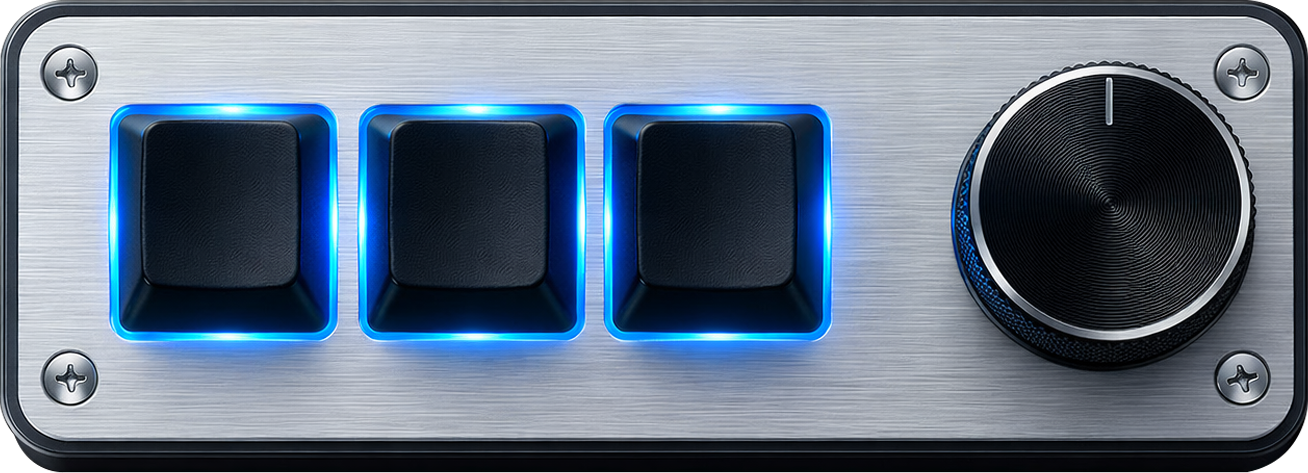
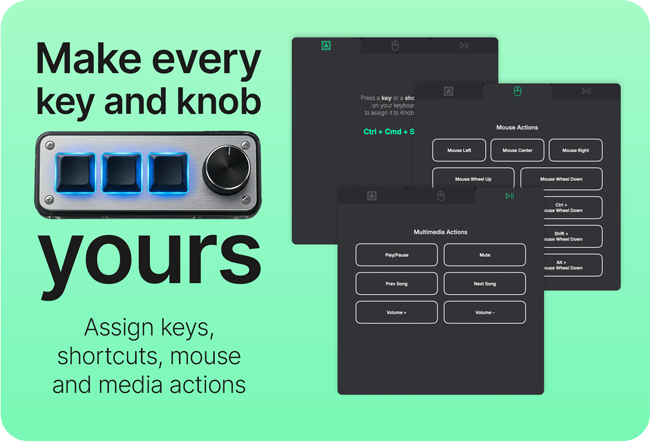
Assign actions, shortcuts, or key combinations to each button.

Customize your keypad, instantly
Create powerful shortcuts, macros, and custom actions for your workflow in seconds.

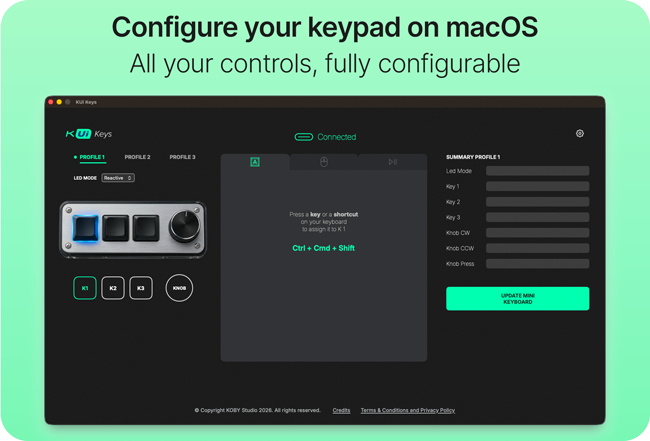
Everything you need to build a fast, repeatable workflow.
Assign actions, shortcuts, or key combinations to each button.
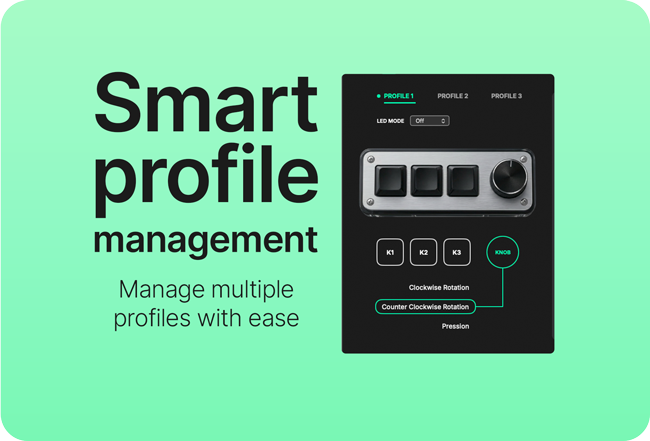
Assign actions to clockwise rotation, counter-clockwise rotation, and knob press.
Create different setups for apps or contexts (work, editing, coding, etc.).
Clean interface, no complexity.
Built for modern macOS and supported keypad hardware.
System Requirements:
Designed for creators and power users.
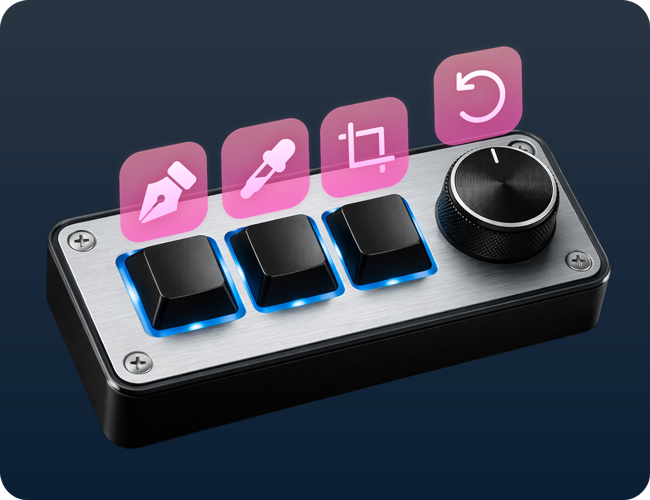
Speed up creative workflows with custom shortcuts for design tools like Figma and Adobe Suite, including quick access to tools, commands, and navigation actions.
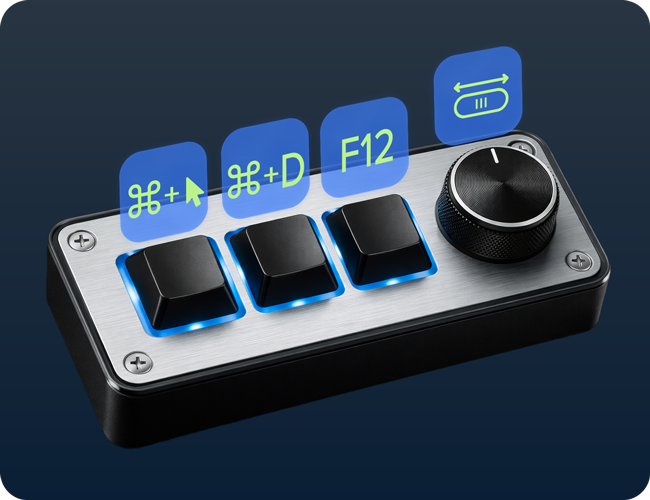
Optimize coding with modifier shortcuts and media controls for navigation, build, and debugging workflows.
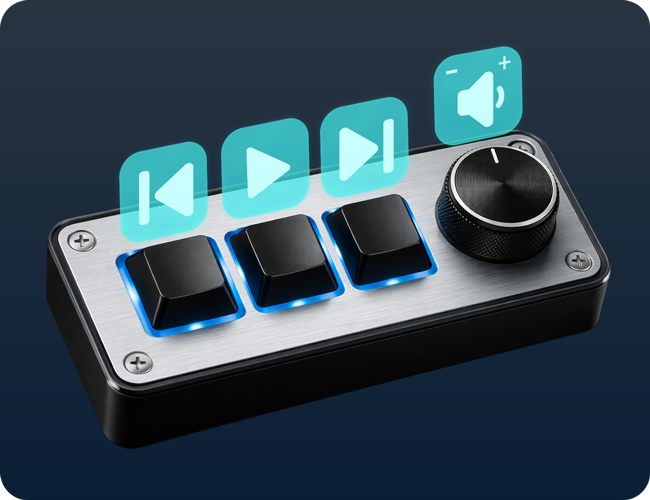
Turn common media actions into quick inputs like single keys or simple shortcuts to instantly control playback, volume, and more without interrupting your flow.
Download KUi Keys and start customizing your setup

Learn how to customize a 3-key mini keyboard on macOS with KUi Keys.
Quick fixes for the most common issues.
Make sure your keypad model is listed as compatible
In this case, the device is only detected when using a USB-C → USB-A adapter
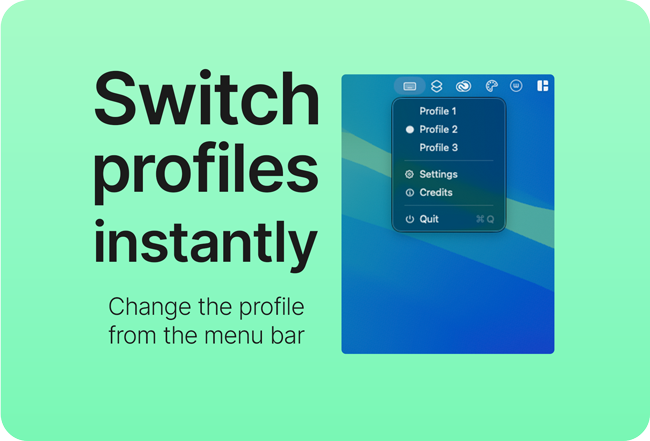
The menu bar profile switch is designed for keypads that do not support multiple hardware profiles.
In practice: